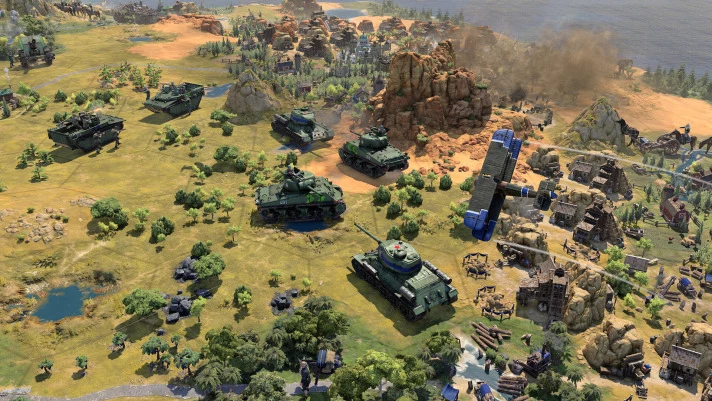
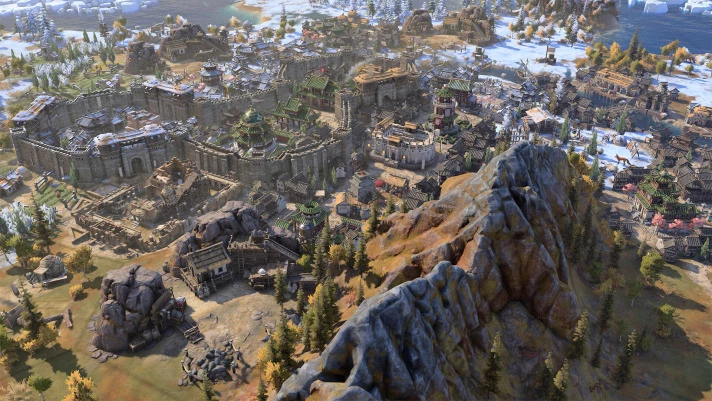
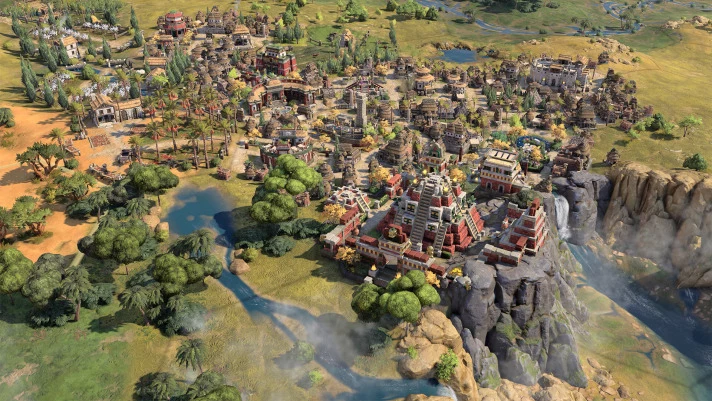
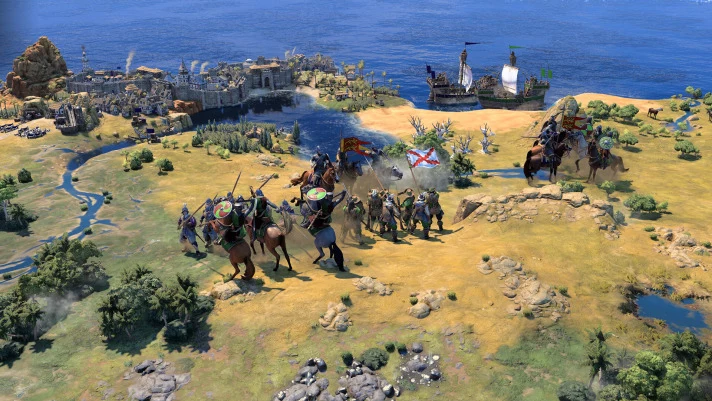
The award-winning strategy game franchise returns with a revolutionary new chapter. Sid Meier's Civilization® VII empowers you to build the greatest empire the world has ever known! In Civilization VII, your strategic decisions shape the unique cultural lineage of your evolving empire. Rule as one of many legendary leaders from throughout history and steer the course of your story by choosing a new civilization to represent your empire in each Age of human advancement.
Voice output
Texts and subtitles
ElAmigos release. Updated to version 1.4.0 (19.05.2026); 34 DLC are included.
Release is using Hypervisor bypass by DenuvOwO team. Instructions:
- install game
- educate yourself first by reading _Info.txt and DenuvOwO.nfo; CPU virtualization must be enabled in BIOS (some motherboards have it enabled as default setting)
- start as Administrator "VBS.cmd" from game folder, press 1, restart computer, then on the next boot press F7 when new window will show up (driver signature OFF)
- start from desktop icon
Once you make it work, any other game with Hypervisor can be installed and played from desktop icon (as long as you don't restart/shutdown PC - then again VBS.cmd > 1 > reboot > F7 > desktop icon)
Hypervisor-based releases use a virtual system environment instead of directly modifying the game.
This allows the game to run in an isolated environment, which can indirectly affect certain protection mechanisms in the game.
This method is used because modern copy protection (DRM) systems such as Denuvo are deeply integrated into the game and include many checks and protection mechanisms directly within the game’s execution flow. As a result, they can no longer be bypassed, disabled, or partially replicated using simple file modifications without significant effort.
Setup is explained in the linked guide, and scripts are included in this release to automate most steps.
Note: This setup may affect system stability and security features depending on the configuration – use at your own risk.